YouTube for Plastic Surgeons: What We Saw After Connecting Client Channels to Search Console
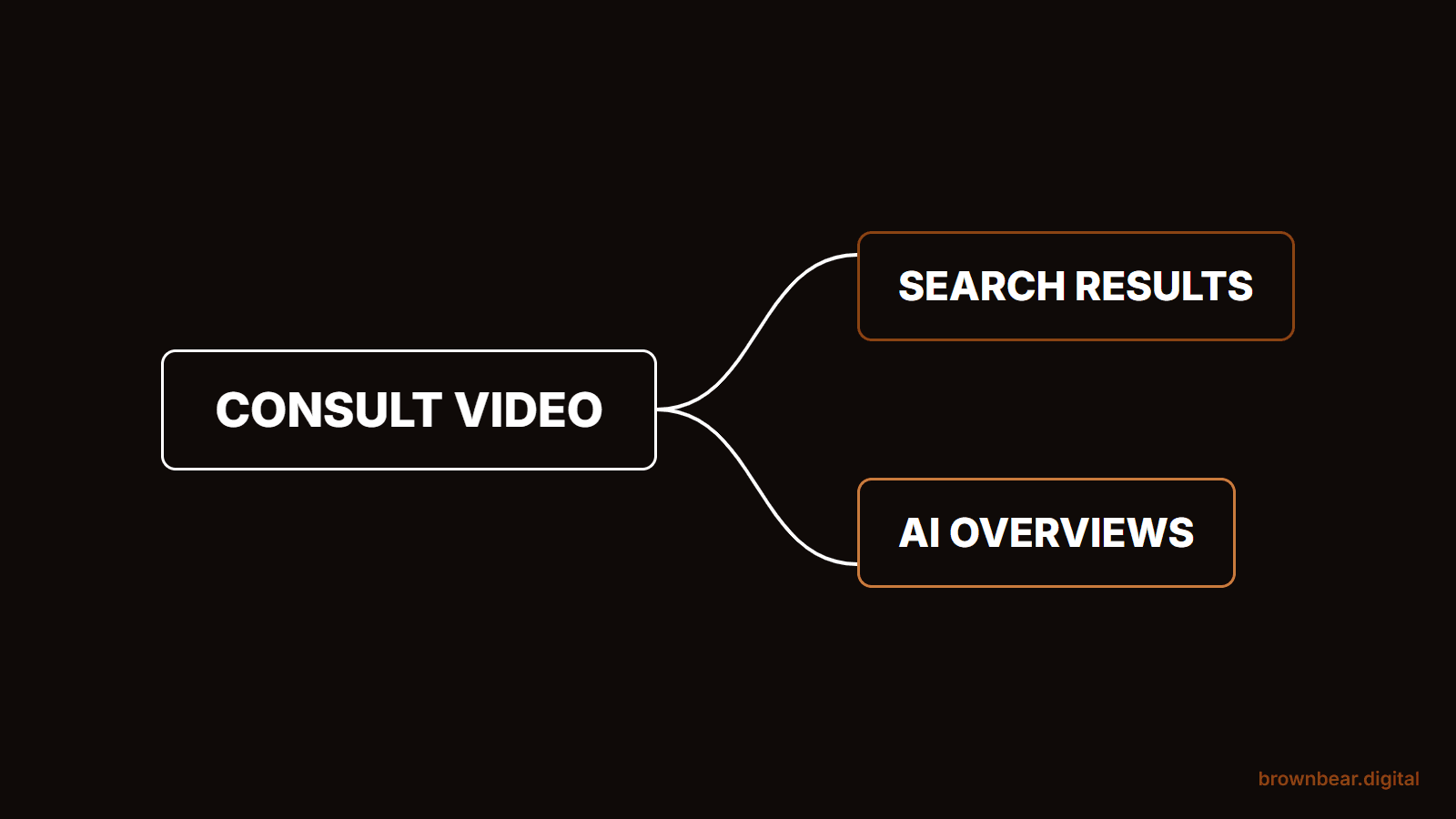
Most plastic surgeons judge their YouTube channel by subscribers and views, and both numbers miss the point. Since July 2026, Google lets you connect a YouTube channel to Search Console and see the searches that put your videos in front of patients. When we connected client channels, the videos were showing up for the same questions patients ask in the consult room, and many of them were sitting inside Google's AI Overviews. This is Brown Bear's guide to YouTube for plastic surgeons, built on what that data showed.
It draws on what Bryan Passanisi, founder of Brown Bear Digital, saw after connecting YouTube channels to Search Console for a set of plastic surgery clients, read against Google's own documentation and the published research on surgeon videos as of October 2026.
We cover the search side of YouTube: which videos Google surfaces, how to package a consult-style video so search and AI answers can use it, and how to put it on your site without slowing pages down. We don't cover camera gear or editing. And we'll be clear about what our data shows and what it doesn't.
If you are a surgeon, you want to know whether filming is worth an evening a month. If you run marketing for a practice, you need to show what video does beyond likes. And if your practice already has a channel, you probably have dozens of videos that no one has looked at through Google's eyes.
By the end, you'll know how to connect your channel, which video topics earn search and AI visibility, how to title and chapter a consult video, and what you can and cannot claim about consults. The longer payoff is a video library that keeps answering patient questions in search long after you film it.
We've grouped it into five parts: why video now counts in search, what our client data showed, which topics surface, how to package and place a video, and how to measure it honestly. Start with why Google's AI answers changed the math.
Why YouTube Is Now a Search Asset, Not Only a Social One
YouTube for plastic surgeons is no longer just a social channel. Google's AI Overviews and AI Mode cite YouTube videos more than any other site, so a surgeon's video answering a patient question can appear inside the answer itself, even when the practice website does not rank. A channel built on consult questions is now part of your search visibility.
The citation studies agree on the direction:
- Ahrefs, March 2026. YouTube is the most cited domain in AI Overviews in Ahrefs' Brand Radar data, up 34% over six months. Among AI Overview citations from pages that didn't rank in Google's top 100 for the query, 18.2% were YouTube URLs.
- Peec AI, March 2026. Across 30 million citations from ChatGPT, Gemini, Perplexity, AI Mode and AI Overviews in the US, YouTube ranked second overall behind Reddit, and first in both AI Overviews and AI Mode.
- SE Ranking, January 2026. In 50,807 German-language health searches, YouTube was the most cited source in AI Overviews, at 4.43% of all citations. It is German data, not US, but it is the clearest health-specific signal so far.
That second Ahrefs number is the one that matters to a practice. A video does not have to outrank Mayo Clinic to get into the answer. It enters through a different door, which is how video fits into the parts of an AI Overview where video shows up.
There is a catch. Patients can't easily tell a good surgical video from a bad one, and the research shows it. A 2020 study in Plastic and Reconstructive Surgery found fewer than 10% of plastic surgery videos addressed risks, indications or side effects. A 2020 Aesthetic Surgery Journal review of 143 cosmetic surgery videos found that videos with US board-certified plastic surgeons were higher quality and less biased. That gap is the opening for a practice: AI answers want a credible source, and a board-certified surgeon explaining risks plainly is exactly that.
What We Saw After Connecting Client Channels to Search Console
Google calls the feature platform properties. It announced them on July 7, 2026, and on July 29 made them available to everyone through Search Console. A platform property is a Search Console property for a YouTube, Instagram, TikTok or X account. It shows the clicks, impressions, queries and individual videos that brought people to your content from Google Search, Discover and Google News.
Two limits matter before you read the data. It covers Google only, so it won't show views inside YouTube. And it doesn't label AI Overview appearances separately. Google's documentation for website properties says AI feature traffic is counted inside the normal Web search results, and the platform property pages don't describe any AI breakout either. To know whether a video sits in an AI Overview, you still search the query yourself.
Here is what Bryan's team saw across a subset of plastic surgery clients:
- Videos surfaced for both research and buying terms. Searches like "choosing a plastic surgeon for breast augmentation" and "rhinoplasty costs" put client videos in front of patients.
- A handful of videos did most of the work. A few videos drew outsized impressions compared with the rest of each library.
- Most videos held AI Overview placements. The majority of client videos appeared inside AI Overviews for their queries.
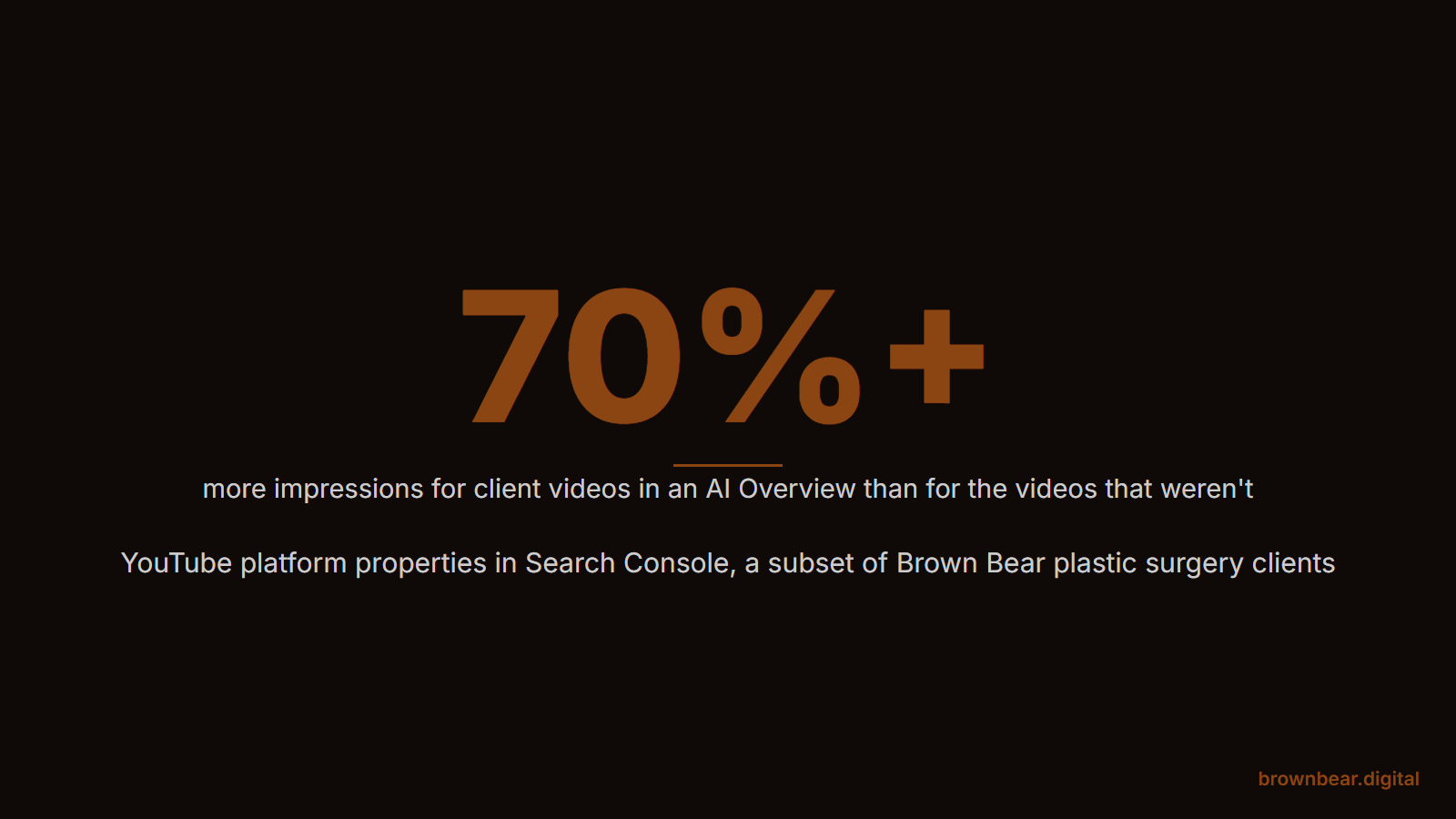
- The AI Overview videos drew more. Videos in an AI Overview drew at least 70% more impressions than the videos that weren't.
Consultation requests also rose over the same stretch that video impressions did. Bryan's own hedge is the right one: he can't say for certain the videos caused it, only that the two moved together. Practices that film consistently tend to be doing other things well too.
The 70% figure needs one more caution. Videos that land in AI Overviews may simply be the best videos on the most searched topics, so the placement and the impressions could share a cause. Read it as a sign of where to aim, not a promise of a 70% lift on your channel. The method behind it is not complicated, so you can run it yourself:
- Add the property. In Search Console, choose Add property, pick YouTube, and authorize the connection. Data takes a few days to appear and starts from the day collection begins, so connect before your next upload to get a baseline.
- Pull 28 days of video data. In the Performance report, list impressions by video and the top query for each.
- Check each top query in Google. Note whether your video appears in the AI Overview, and the date you checked, since AI Overviews change by day and location.
- Compare the two groups. Enter the numbers in the reader below to see whether your AI Overview videos are pulling ahead.
Which Video Topics Surfaced, and Why Cost and Choosing Questions Win
The queries that surfaced client videos were not "what is a rhinoplasty." They were cost and choosing questions, and that fits a pattern Bryan sees across AI search for practices: big authority sites like Mayo Clinic and the American Society of Plastic Surgeons take over AI answers for definition queries, while cost and local questions still leave room for a practice. The same split shows up in video, and it gives you a simple map for what to film.
The Choose, Cost, Recover Map
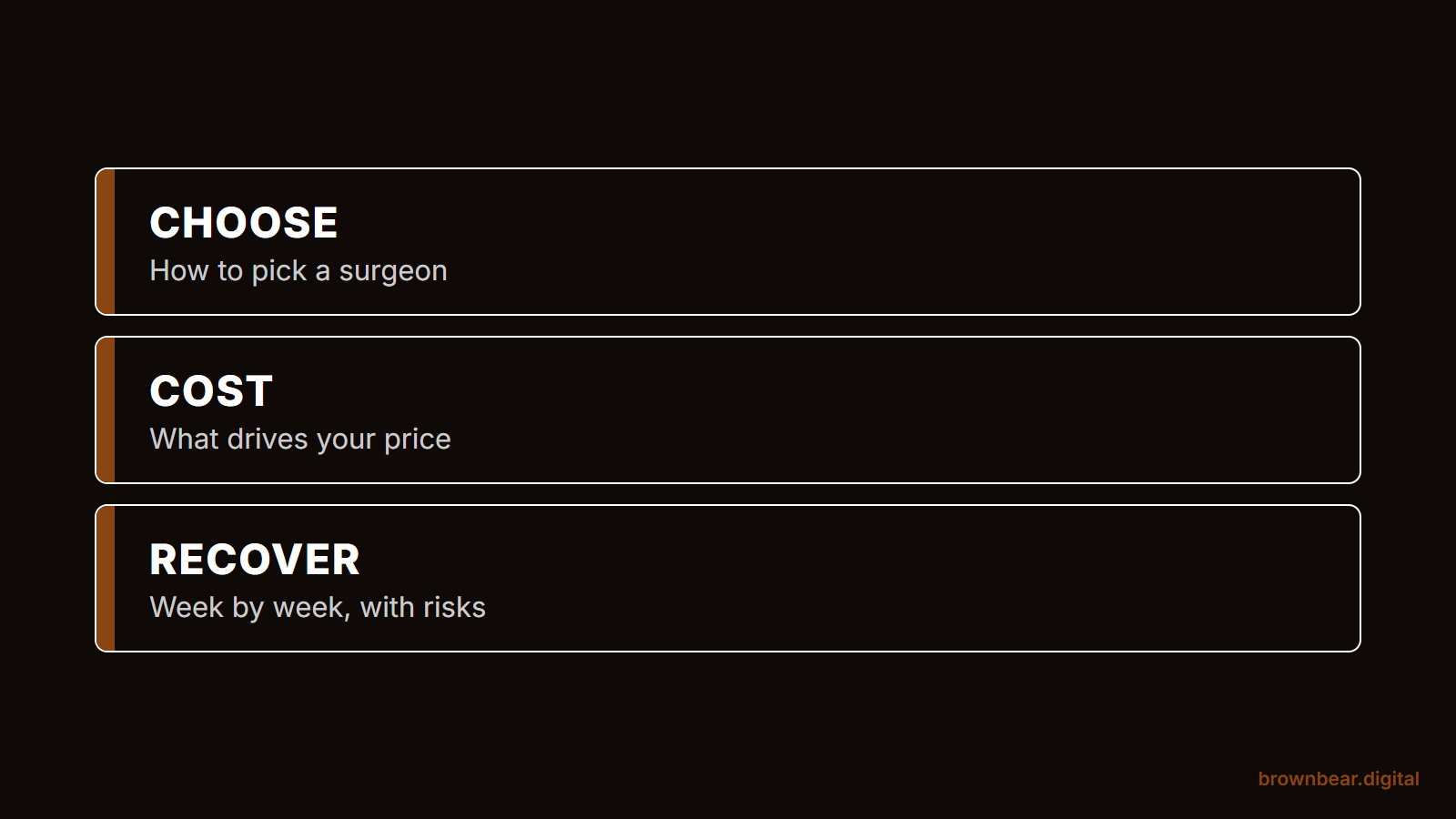
Every consult-style video should land in one of three lanes. Each lane matches a moment in the patient's search and a kind of question generic sources answer badly.
| Lane | Patient question | Why a practice can win it | Film it as |
|---|---|---|---|
| Choose | How do I choose a surgeon for breast augmentation? Open or closed rhinoplasty? | Authority sites stay generic; a surgeon can explain how they decide | A 6 to 10 minute answer with your own criteria |
| Cost | How much does a tummy tuck cost in my city? What is included? | Prices are local, and big sites won't name them | A walk-through of what drives your range, with real numbers |
| Recover | What does swelling look like at week 2? When can I go back to work? | Patients want the plain truth and the risks, which fewer than 10% of videos cover | A week-by-week video with a risks chapter |
Skip videos that sit outside all three lanes, like office tours and generic "meet the team" reels. They belong on your website, not in search. If a question would get a two-sentence answer from Mayo Clinic, it is probably a definition query, and a practice video will struggle to beat it.
Picture a facial plastic surgeon with 40 videos, mostly procedure overviews and a few reaction clips. Connected to Search Console, the overviews barely register. The one video that draws real impressions is a 9-minute answer to "how much does a facelift cost," filmed after a patient asked twice in one week. That is the map at work: the surgeon's next 10 videos come straight from the cost and recovery questions on the consult notes.
Reach and Consults Are Different Goals
Look at the biggest surgeon channels and you might draw the wrong lesson. Dr. Anthony Youn has about 5.6 million subscribers and Dr. Gary Linkov about 1.2 million, as of October 2026, and both grow largely on reaction and celebrity videos. Practice channels in the tens or hundreds of thousands, like Dr. Carl Truesdale's, Dr. Daniel Barrett's and Dr. Cat Begovic's, lean on procedure explainers and patient journeys.
Which model fits depends on your goal. If you want a national personal brand, entertainment formats build reach, and a 2025 study of 897 plastic surgery videos found channels with more subscribers and ad-style videos tended to score lower on quality. If you want consults from your own market, film the Choose, Cost, Recover lanes and measure search impressions, not subscribers. Most practices want the second.
For the platform-by-platform view of where video fits in months of patient research, see where YouTube sits in a patient's research journey.
How to Title, Chapter and Transcribe a Consult-Style Video
A consult-style video is a surgeon answering one patient question on camera, the way they would in the room. Search and AI answers can only use it if they can read it, and they read three things: the title, the description with its chapters, and the transcript.
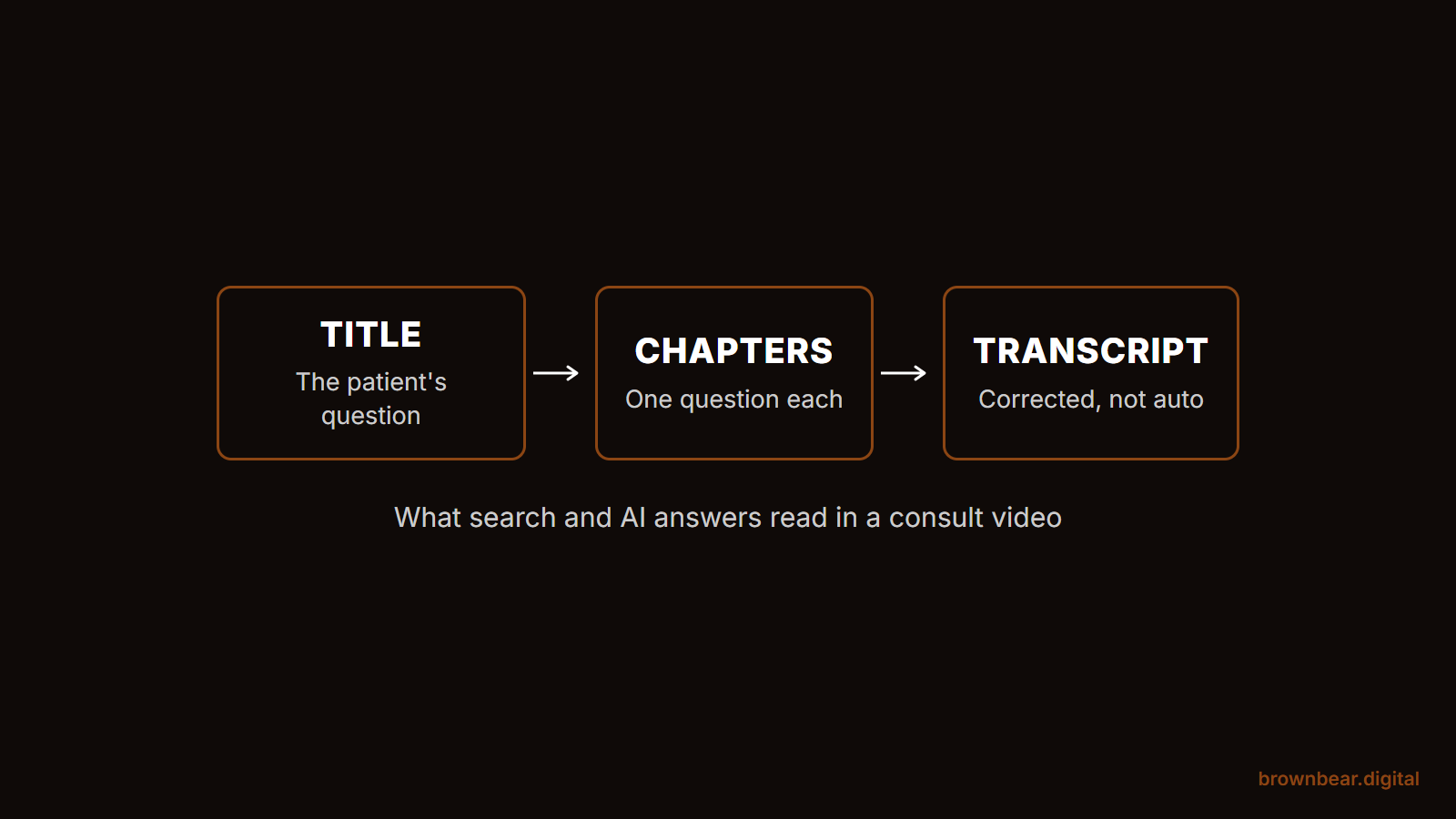
Title it with the patient's words.
Put the question first, then the procedure and city, then your name if it fits. "Rhinoplasty Consultation in Denver: Am I a Good Candidate?" beats "Dr. Smith Discusses Nasal Surgery."
Chapter it.
YouTube's rules are simple: the first timestamp must be 0:00, you need at least 3 timestamps in order, and each chapter must run at least 10 seconds. Google uses YouTube description timestamps to show key moments in search, and it prefers the ones you set over the ones it detects on its own. Write each chapter label as a patient question, so a chapter can match the question a patient types.
Fix the transcript.
Upload a corrected caption file instead of trusting auto-captions, which often mangle procedure names. Peec AI found that AI tools use both the description and the auto-generated transcript, and it advises reviewing the transcript before a video goes live. Ahrefs reported in a separate study of 75,000 brands that mentions in YouTube titles, transcripts and descriptions correlated most strongly with AI Overview visibility.
Give risks their own chapter. Patients look for it, the research says most videos skip it, and a clearly labeled "Risks and complications" chapter is the kind of balanced answer an AI Overview can quote.
Build yours below. List the questions you answer with their start times, and the builder checks YouTube's chapter rules and drafts the title and description.
Embedding Video on Procedure Pages Without Slowing Them Down
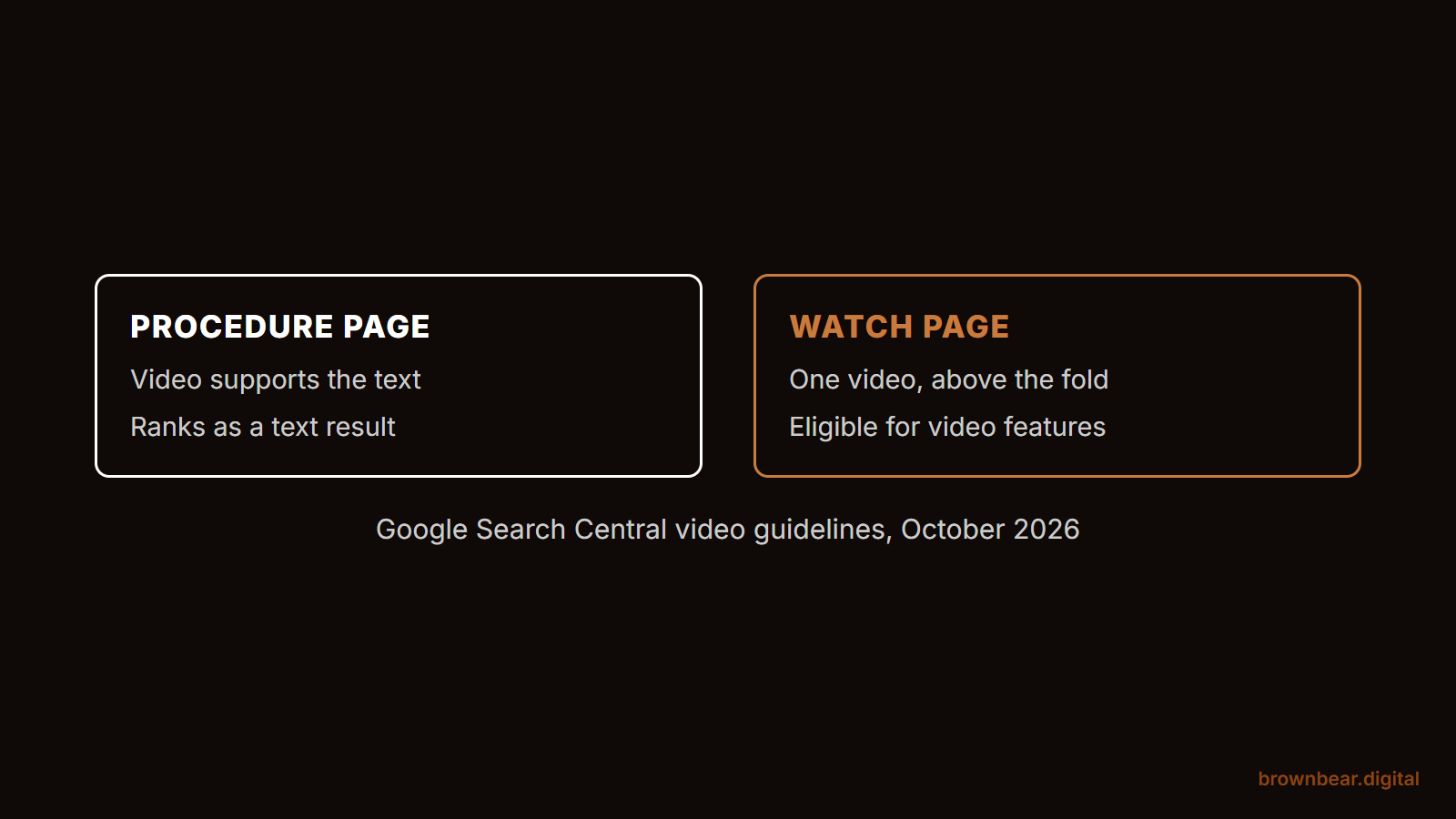
The same video should live on YouTube and on the matching procedure page, but Google treats those two places differently. For a page to get video features like key moments and video thumbnails in results, Google says the video must be the main content of the page. A procedure page where the video supports the text will show in Search Console as "Video is not the main content of the page." It can still appear as a normal text result with a video badge.
That leaves two good options:
- Supporting video on the procedure page. The page ranks as a text page, and the video does its job with patients. This is right for most procedure pages, and our guide to eight places video earns its keep on a practice site covers where each kind of video belongs.
- A dedicated watch page. One video, above the fold, with the transcript below. Use it for your strongest Choose or Cost video, so the page itself can earn video features.
Keep the page fast.
A standard YouTube embed loads a lot of code before anyone presses play; web.dev estimates lazy loading a YouTube embed can save about 500 KB on initial page load. Use a lightweight "facade," a static thumbnail that loads the real player on click, such as the open-source lite-youtube-embed. Then add VideoObject structured data with the video's name, thumbnail URL, upload date and embed URL, so Google can still find the video even though the player loads late. That last step is our recommendation, not a Google rule, and it costs nothing.
Say a breast augmentation page has a 3-minute surgeon video embedded at full weight near the top. On a phone, the page is slow to become usable, and patients leave before the video matters. Swap in a facade, add the markup, and paste the corrected transcript under the video. The page gets lighter and gains several hundred words of the surgeon's own answers, in the patient's language.
YouTube Health: The Licensed Label Most Surgeons Haven't Applied For
YouTube runs a program that marks videos from licensed clinicians and makes them eligible for its health source shelves in search. In the US, a licensed doctor can apply to be a source in YouTube's health features. Accepted channels get an information panel naming them as a licensed source, and their videos can appear in health content shelves for condition searches.
The requirements, per YouTube Help as of October 2026:
- A license to practice medicine in an eligible country, verified through LegitScript. The US is on the list.
- More than 1,500 valid public watch hours in the last 12 months, or 1.5 million valid public Shorts views in the past 90 days.
- A channel that primarily covers health information, follows YouTube's monetization policies, and has no active Community Guidelines strikes.
- Agreement to the health information sharing principles YouTube adopted from medical societies.
YouTube says a decision typically takes 1 to 2 months, and accepted channels may start surfacing in features 2 to 3 months after that.
Whether you qualify depends on what your channel is. If it is mostly patient education, Choose, Cost and Recover videos, apply once you clear the watch hours. If it is mostly promotions, reels and practice news, the "primarily health information" rule is likely to sink the application, and fixing the content mix comes first. Licensure is the easy part for a board-certified surgeon.
Mind the rules on patient footage.
HIPAA requires a patient's written authorization before you use their health information in marketing, and full-face images are among the identifiers HIPAA protects. The FTC's rule on reviews and testimonials, in effect since October 2024, covers video testimonials too, so they must reflect real patients and real experiences. The ASPS Code of Ethics bars before and after images that use different lighting, poses or techniques to misrepresent results. None of this is legal advice; run patient video through whoever handles your compliance.
What We Can and Cannot Claim About Consults
Here is the honest line. Our client data shows videos reaching patients in search and AI answers, and consult requests rising over the same period. It does not show that the videos caused the consults. That is the hedge Bryan gives clients, and it is the one we would want any agency to give us.
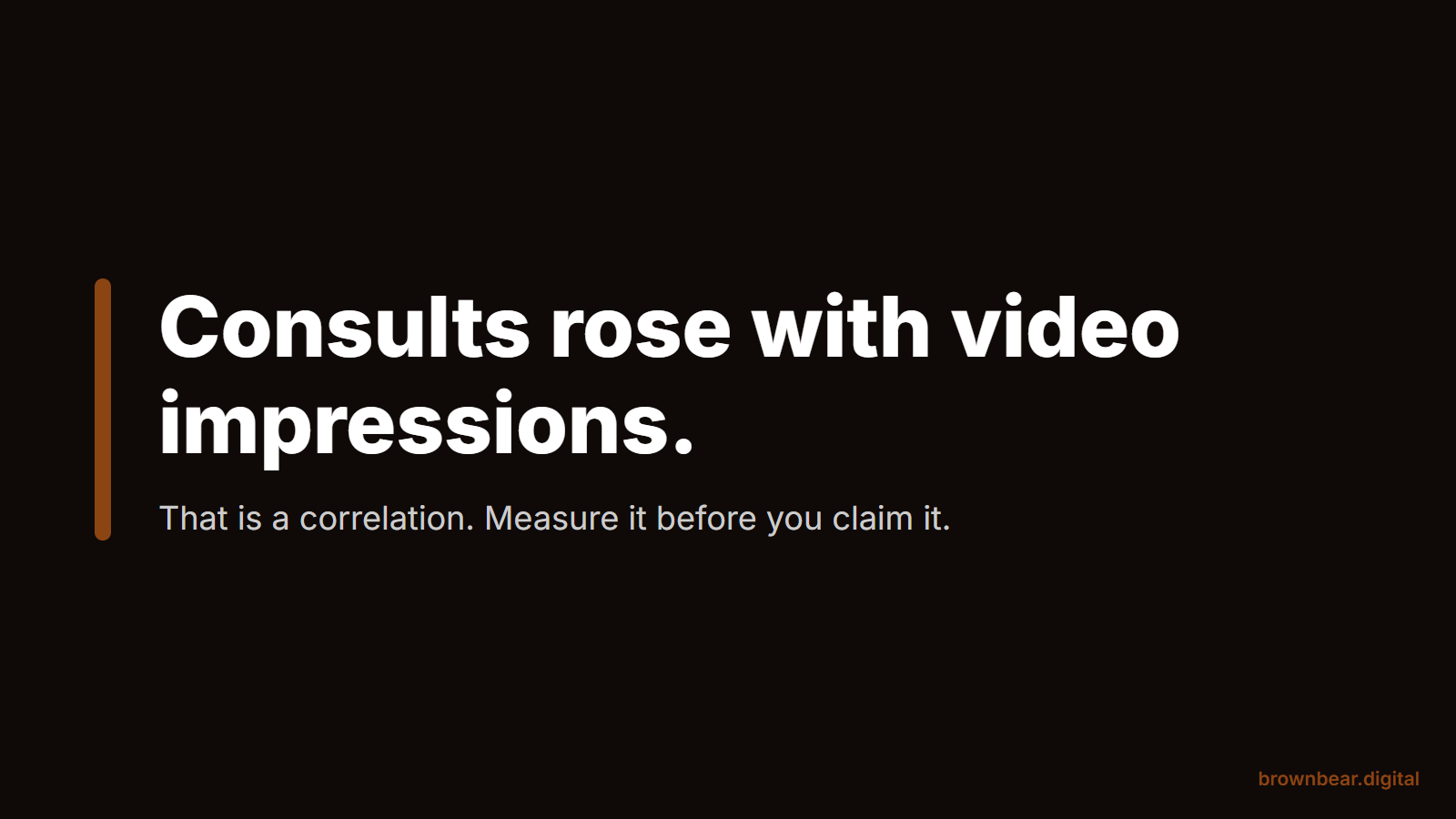
You can get closer to an answer with four habits:
- Tag every link. Put UTM-tagged links in each video description and pinned comment, so visits from YouTube show up as their own source.
- Ask on the form. Add "Did a video help you choose us?" to your consult request form or intake call.
- Annotate the dates. Add a Search Console annotation for each upload and each title change, as Google's own guide suggests, so you can line impressions up against consult volume.
- Watch AI-referred visits too. In Bryan's experience, visitors arriving from AI tools are more engaged and convert to consults at a higher rate than other channels, so a video that earns AI Overview placements may pay off in the website visit it sends, not just the click on the video.
Remember what the AI is weighing when it picks a source. Your channel is one of the outside sources AI reads before it names a surgeon, alongside reviews, directories and press. And if you are deciding where the money comes from, we've laid out budgeting for video as an AI search line item, including what a modest, steady video program costs. For more on winning those placements beyond video, see our guide to AI Overview citations from pages outside the top 10.
The immediate payoff is a channel you can finally read: which videos reach patients, for which questions, and whether AI answers use them. The long-term payoff is a library of consult answers that keeps working in search while you are in surgery.
Turn Your Consult Questions Into a Video Program With Brown Bear
The practices that win with YouTube are not the ones with the best cameras. They film the questions patients already ask, package them so Google can read them, and measure search reach instead of subscribers. Brown Bear connects practice channels to Search Console, maps the Choose, Cost and Recover questions worth filming, and ties video to the procedure pages it supports. See our content and video programs for plastic surgery practices.
Written By
Founder, Brown Bear Digital
Bryan has 15 years of experience across SEO, paid search, and AI search strategy. He founded Brown Bear to give businesses direct access to senior-level search expertise without the agency overhead.
Learn More About BryanGet Found on Google.
Get Cited by AI.
Tell us about your site. We'll send back a proposal for SEO and AI search.